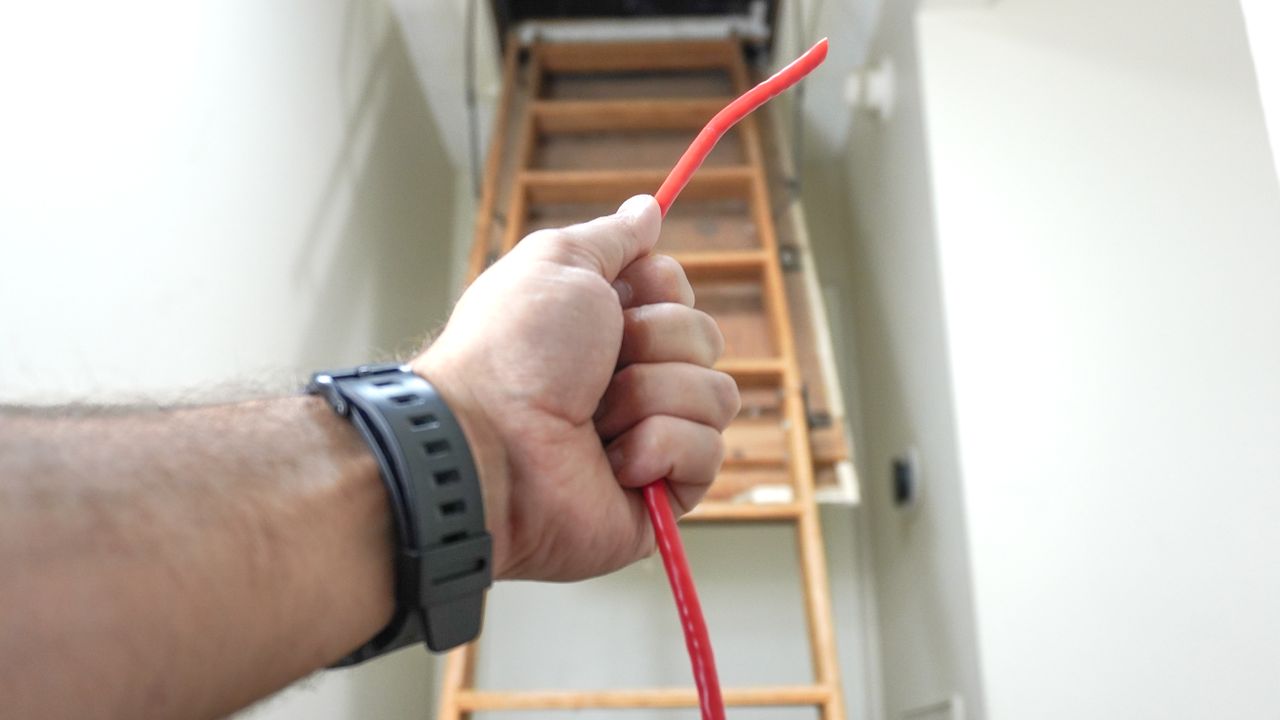
A homeowner in the United States is upgrading their internet experience by wiring their entire house for Ethernet. This decision comes after years of struggling with slow Wi-Fi speeds, despite upgrading to a mesh router system. With a subscription to a fast 10 Gbps connection, the homeowner aims to fully utilize the speed and reliability that a wired connection offers.
Wi-Fi technologies have improved significantly, especially with the introduction of Wi-Fi 7, yet the inherent stability of a wired setup remains appealing. The homeowner plans to connect key devices such as their desktop computer and gaming console directly to the network, while maintaining the benefits of wireless connectivity for other devices.
The decision to wire the home stems from previous experiences with unreliable Wi-Fi. Initially, a traditional router could not provide adequate coverage in a larger, one-story home. To address this, they opted for the TP-Link Deco XE75 mesh system, which improved coverage but highlighted the limitations of wireless backhaul. After switching from cable internet to fiber, the homeowner realized that their current network setup could not fully support the increased speeds.
Last year marked a turning point: the homeowner upgraded to fiber while also acquiring a Wi-Fi 7 router. Surprisingly, this new arrangement not only provides faster internet speeds but is also more cost-effective than previous plans. The homeowner recommends others consider similar upgrades, suggesting that potential customers shop around for local providers offering competitive rates.
To facilitate the installation of Ethernet, the homeowner coordinated with the fiber installation team to position the new connection near their existing cable setup. This ensures that all networking equipment can be centrally located, simplifying future wiring efforts. Plans include a hybrid setup featuring an in-wall network cabinet for essential equipment and additional space for less frequently used devices.
The homeowner acknowledges that while a 10 Gbps connection may be excessive for most households, the decision was made to ensure ample bandwidth for current and future needs. Despite the advantages of fiber, the homeowner still grapples with inconsistent wireless speeds, particularly when using devices located far from the main router.
To address these ongoing issues, the homeowner intends to use the available 10 GbE ports on their eero Max 7 router to connect additional satellites directly via Ethernet, ensuring optimal performance throughout the home. This method is expected to maximize the available bandwidth and improve overall connectivity.
Preparation for this extensive project involves thorough research and planning. The homeowner has purchased a large box of Cat6 Ethernet cable along with a toolkit that includes essential installation equipment. The investment totaled approximately $200, a fraction of the estimated $1,500 to $3,500 it would cost for a professional installation.
While the task may seem daunting, the homeowner views it as an opportunity to future-proof their home network. The DIY approach not only saves money but also provides a sense of accomplishment. Documenting the process will serve as a personal testament to the effort involved in wiring a home for Ethernet.
As the homeowner embarks on this project, they invite others to share their experiences with home networking. They encourage discussions on DIY methods and welcome tips from those who have successfully wired their own homes. This initiative aims to inspire others to consider similar upgrades, enhancing their internet experience and overall home connectivity.