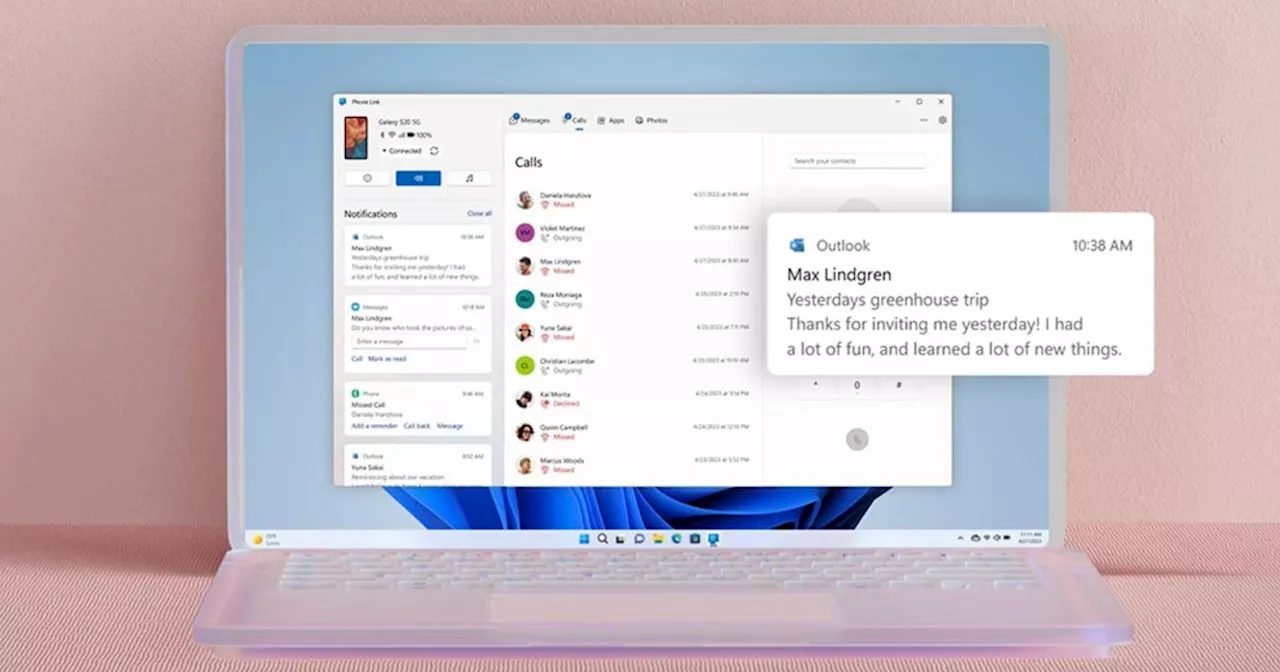
Microsoft is introducing a significant upgrade to its Phone Link application, enhancing the experience of running Android apps on Windows 11. The latest update features an expanded view option, allowing users to stretch Android applications beyond the limited portrait layout that has long frustrated those using larger screens.
This new functionality is part of an ongoing effort to improve the integration of Android apps within the Windows environment. Previously, Phone Link streamed apps in a narrow format that mimicked a mobile device’s display, regardless of the size of the PC monitor. Users often resorted to rotating their phone screens or selecting the ‘Open Phone Screen’ option, which only worked for applications that supported landscape mode. Unfortunately, this workaround did not accommodate apps like Uber, which are designed specifically for vertical layouts.
According to Windows Latest, the update introduces a small icon next to the window controls. By tapping this icon, users can expand the app’s viewing area, utilizing more desktop space. This enhancement primarily benefits applications that already support larger displays. For instance, VLC and Amazon applications scale seamlessly, filling the expanded window. However, applications like Uber still present challenges, displaying black bars on either side due to their vertical design. In contrast, WhatsApp performs better, as its Android version is optimized for tablet use.
Despite the improvements, the expanded view has its limitations. The update does not enhance font resolution, meaning text may appear slightly blurry when stretched. Additionally, users cannot maximize the window, which defaults to snapping to the left edge of the screen, making the experience feel somewhat awkward. While the expanded view is not a perfect solution, it represents a step toward a more desktop-friendly Android experience.
In conjunction with this update, Microsoft is rolling out other enhancements for Windows 11 users. These include streamlined app updates and removals, enhanced privacy measures for copy and paste functions, and a new Themes section aimed at making PC personalization feel more intuitive, similar to mobile devices.
This latest update marks a notable progression for Phone Link, as Microsoft continues to refine its approach to integrating mobile applications into its desktop environment. Users can expect a more versatile and convenient experience in the coming months. For those interested in further details, the complete information can be found on Microsoft’s official site.