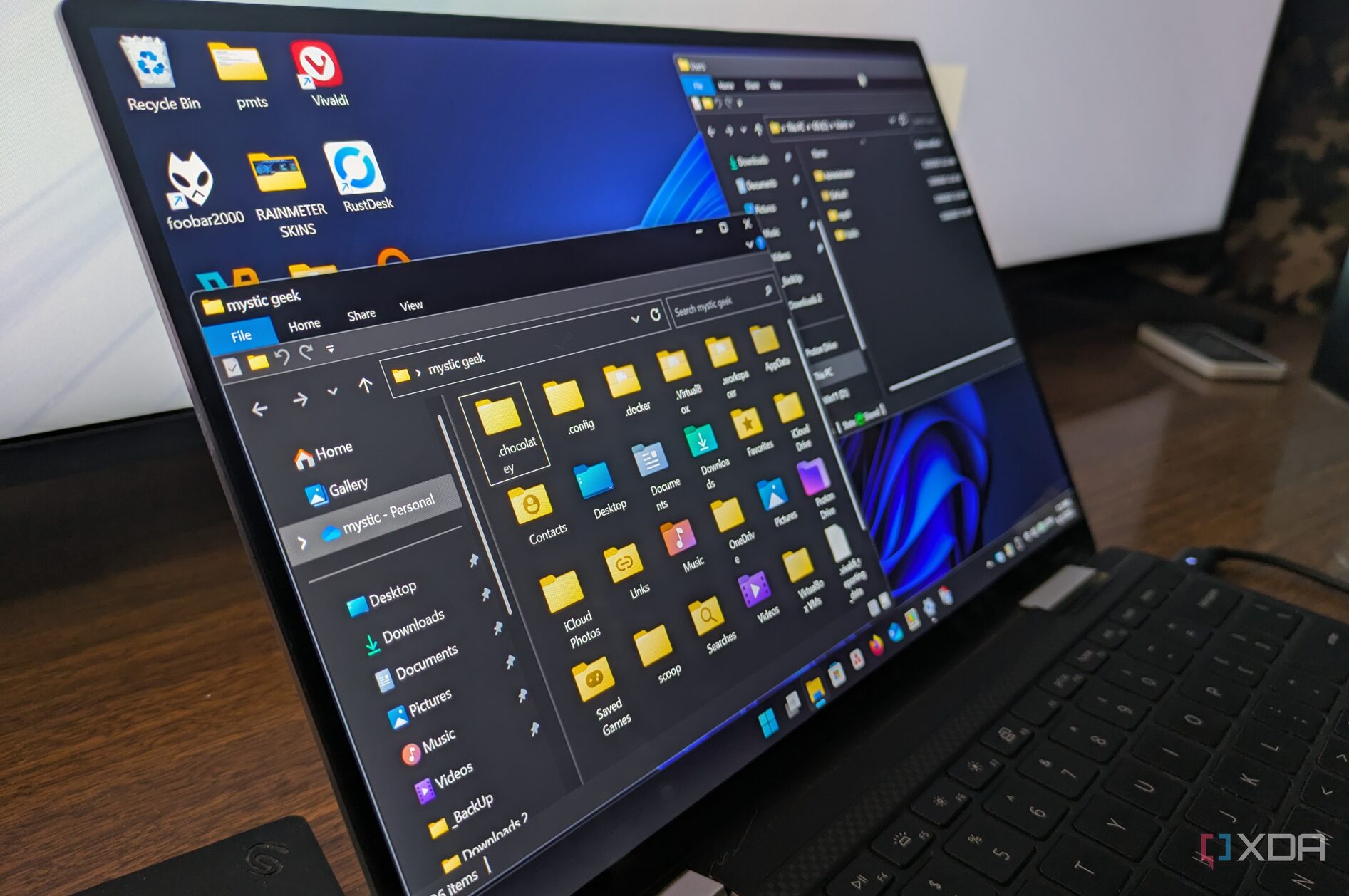
The competition between operating systems has intensified as users evaluate the capabilities and performance of both Linux and Windows 11. While Linux is celebrated for its freedom and transparency, Windows maintains several key features that enhance user experience and remain unmatched by Linux. For those considering a transition from Windows to Linux, here are four significant aspects of Windows that may be missed.
Windows Hello: Seamless Authentication
One of the standout features of Windows is Windows Hello, which provides an effortless login experience through facial recognition or fingerprint scanning. This technology has fundamentally transformed user authentication within the Windows ecosystem, making it nearly password-free. With stringent compliance requirements from Microsoft, manufacturers create devices that uniformly support this feature. Whether a user operates a Dell, Lenovo, HP, or ASUS device, Windows Hello ensures consistent functionality for logins, website authentication, and app purchases, all secured by Trusted Platform Module (TPM) protection.
Conversely, Linux lacks a standardized solution equivalent to Windows Hello. Although projects like Howdy exist, they often require advanced technical knowledge for setup and configuration. The necessity for specific hardware support can make the experience less user-friendly.
DirectStorage: Accelerated Gaming Performance
Another critical feature that sets Windows apart is its DirectStorage technology, which optimizes data transfer from storage to the graphics processing unit (GPU). By circumventing traditional CPU-heavy input/output paths, DirectStorage enhances performance on modern NVMe-based systems. This results in faster asset streaming and significantly reduced load times for gaming software.
Linux, while capable of faster input/output performance through technologies like Vulkan, currently lacks a unified framework that developers can leverage across various distributions. This means that Windows remains the primary operating system with the infrastructure necessary to support rapid data processing in gaming.
Windows Sandbox: Safe Testing Environment
For users who often encounter potentially unsafe files or applications, the Windows Sandbox feature offers a secure and isolated environment for testing. This disposable desktop mirrors the main operating system but operates independently, eliminating risks associated with executing unverified programs.
Linux provides alternatives for sandboxing, such as Distrobox and Flatpak, but these solutions usually focus on development and packaging rather than offering a complete sandboxing experience. Users may find that these tools lack the intuitive, one-click functionality that Windows Sandbox provides, making them less attractive for general users.
Creative and Productivity Software: A Workflow Challenge
The transition from Windows to Linux often raises concerns about compatibility with essential software, particularly among professionals and creatives who rely on specific applications. While Linux has viable open-source alternatives like LibreOffice and GIMP, these programs may not match the usability and refinement found in Microsoft Office or Adobe products.
Users transitioning to Linux frequently report frustrations with the limitations of web-based versions of these applications or the complexities of compatibility layers. The experience can feel cumbersome, particularly for those accustomed to the polished interfaces and comprehensive features of Windows software.
In conclusion, while Linux offers a compelling alternative to Windows with its open-source philosophy, the latter continues to dominate in several critical areas. Features like Windows Hello, DirectStorage, Windows Sandbox, and established creative software ecosystems create a path of least resistance for users seeking efficiency in their daily tasks. For many, Windows remains the preferred choice for a seamless and hassle-free computing experience.