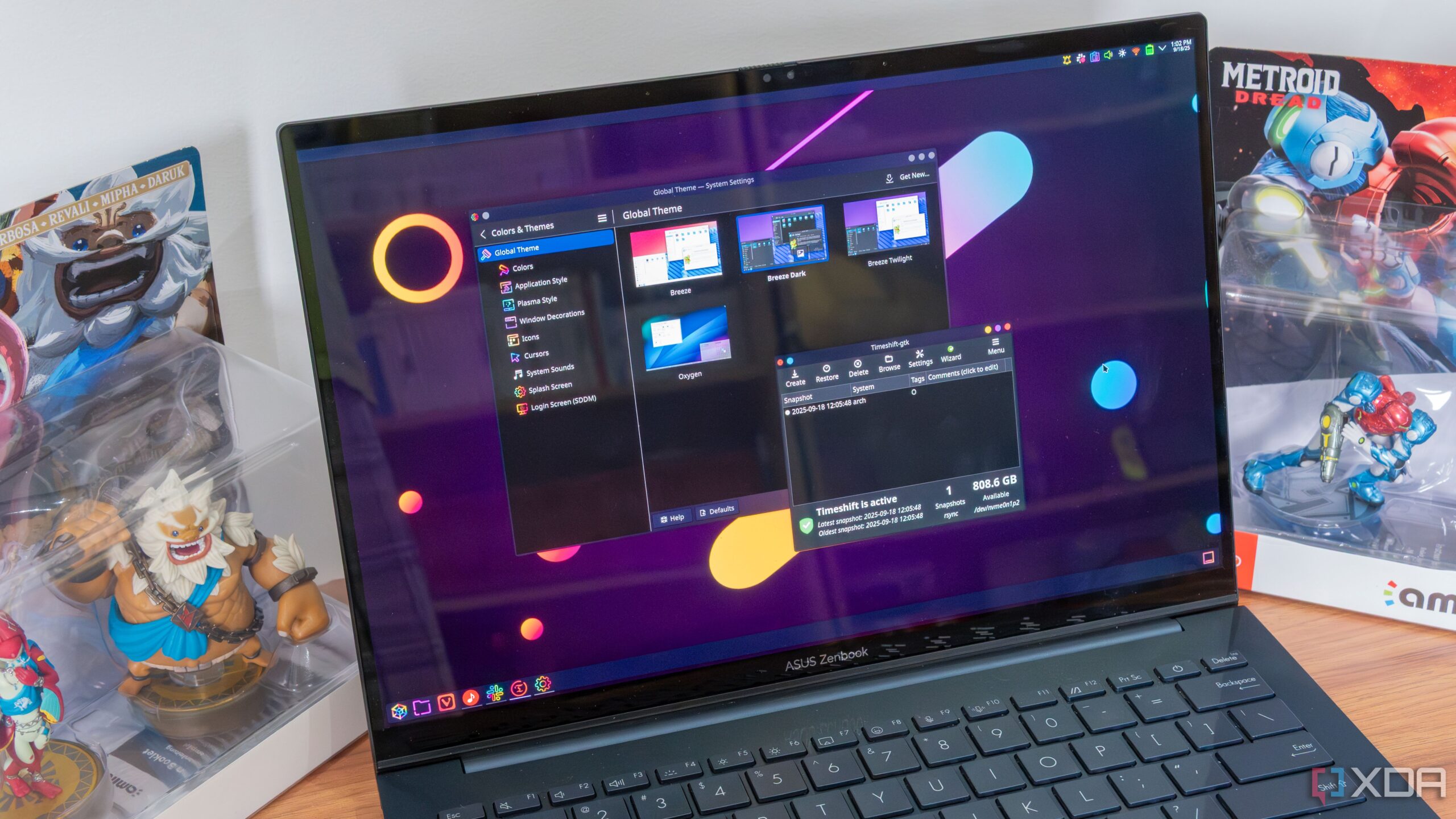
Transitioning from Windows to Linux can be a rewarding experience, especially for those interested in enhanced customization, privacy, and resource management. However, beginners should prepare for a more complex setup process compared to Windows 11. Understanding what to expect and conducting preliminary research can significantly enhance the user experience.
Choosing the Right Distribution
Selecting a suitable Linux distribution is crucial for a smooth transition. Beginners should consider starting with user-friendly options like Ubuntu or Linux Mint. Both distributions offer visually appealing interfaces, with Ubuntu featuring a GNOME-based desktop and Linux Mint providing a Cinnamon desktop that closely resembles the familiar Windows layout.
For those new to Linux, it is advisable to explore various distributions before making a commitment. Ubuntu is often praised for its straightforward design and accessibility. Conversely, Linux Mint includes features like Timeshift for system snapshots and a System Monitor for tracking CPU and memory usage, making it an attractive choice for individuals transitioning from Windows.
Familiarizing Yourself with the Terminal
Regardless of the chosen distribution, newcomers will inevitably need to engage with the Terminal. While it may not be required for every task, familiarity with basic commands is essential. Beginners can start by learning simple commands such as pwd to confirm the current directory, ls to list files, and cd .. to navigate folders.
The Ubuntu beginner’s guide emphasizes the importance of confidently executing commands, especially when following online instructions. Understanding how to copy and paste commands from online resources can greatly enhance the learning process.
Before diving into Linux, it is also wise to verify the availability of essential applications. Many popular Windows applications, including Microsoft Office and Adobe products, do not have direct Linux versions. Alternatives such as LibreOffice and GIMP may fulfill daily needs, but it is essential to test these applications to ensure they meet specific requirements.
Hands-On Learning and Research
While some users prefer to research extensively before switching, others find that practical experience is the best way to learn Linux. Spending time using the operating system helps users acclimatize to its unique features and functionalities. Instead of trying to anticipate every potential issue, embracing the learning process can lead to a more intuitive understanding of the system.
Preparation can significantly expedite the initial experience with Linux. Engaging in basic research about common tasks, such as checking for updates and installing software, can alleviate frustrations that new users often face. Familiarizing oneself with the workflow will streamline the transition and enhance overall confidence.
For those who seek additional information about running specific Windows applications on Linux, resources like ProtonDB and Wine AppDB offer user-generated insights. These databases provide compatibility information, allowing users to assess how well their essential applications function in a Linux environment.
Making the switch to Linux may involve an adjustment period, particularly for long-time Windows users. By conducting preliminary research, selecting the right distribution, and becoming comfortable with the Terminal, individuals can set themselves up for a successful experience with this versatile operating system.