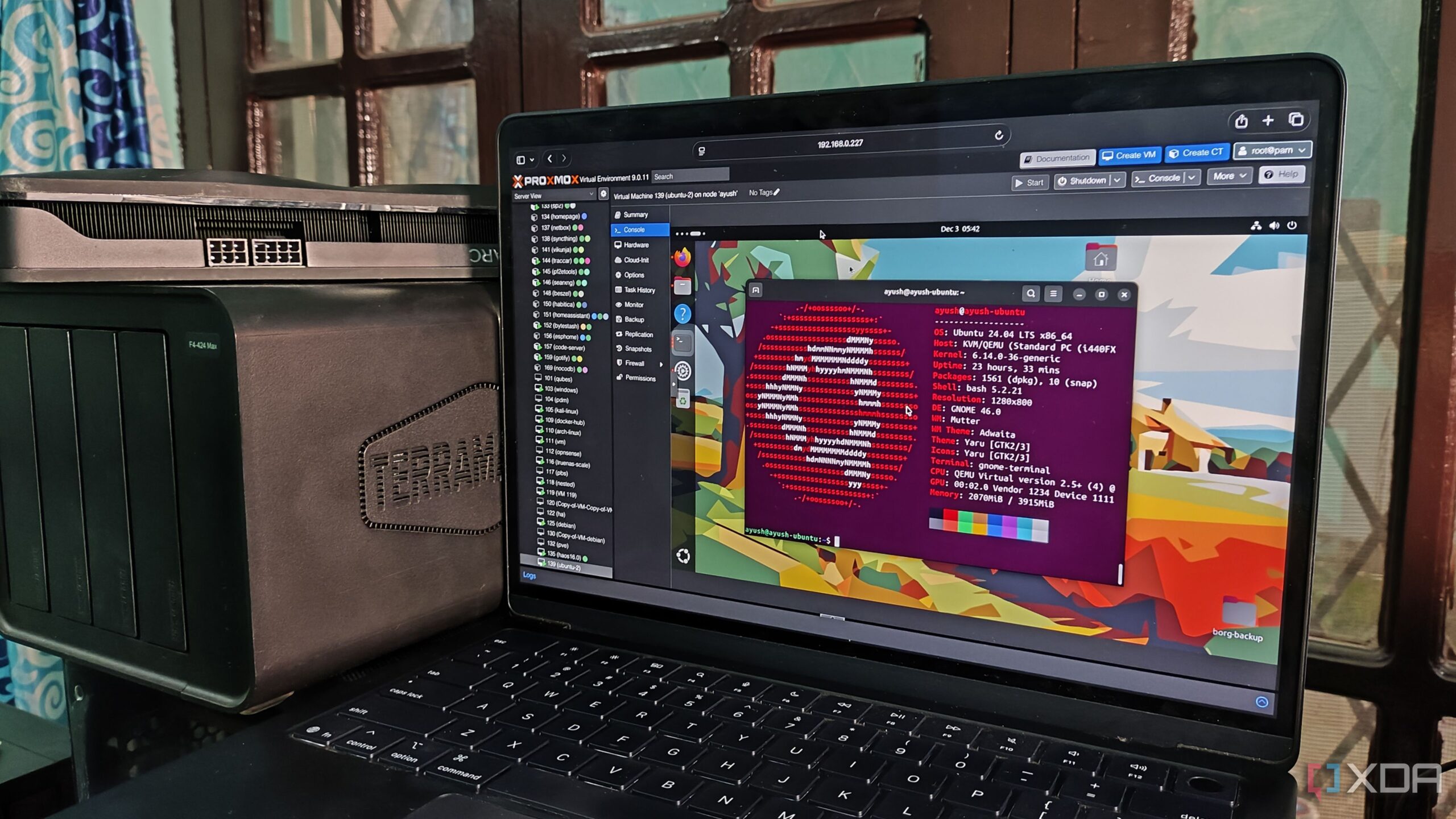
In a significant shift towards efficiency, a technology enthusiast has transitioned several tools from his Windows workstation to a single Linux virtual machine (VM). This decision to utilize a Proxmox box has resulted in a cleaner user experience and improved functionality for tasks that previously cluttered his operating system.
The individual noted that over time, his Windows installation had accumulated various utilities, including scheduled tasks, network scanners, and SSH clients. While these applications served their purpose, their presence contributed to a sense of disorganization. By consolidating these tools into a Linux VM, he achieved a more streamlined and effective workspace.
Improving Automation with Linux Cron Jobs
One of the prominent changes involved the replacement of Windows Task Scheduler with Linux’s cron jobs. Previously, the reliability of Task Scheduler was often questioned, particularly concerning its ability to handle retries and manage triggers effectively. In contrast, moving scheduled tasks to the Linux VM eliminated these uncertainties. With cron managing simple recurring jobs and more complex tasks handled by systemd timers, the user found that all scheduled rsync backups were clearly logged and easily troubleshootable.
This setup allows for seamless data transfers from the workstation to a Network Attached Storage (NAS) device, ensuring that failures can be quickly identified and addressed.
Optimizing Network Scanning and SSH Management
The transition to a Linux VM also facilitated improved network scanning and SSH management. The user expressed a desire to keep tools like nmap off his main workstation, opting instead to run them in a more appropriate environment. The Linux VM provides a dedicated platform for network discovery, enabling swift and repeatable scans that yield detailed insights into active services.
Moreover, the move to a Linux container allowed for a more consistent SSH experience. The user highlighted that long-running commands no longer faced the risk of interruption due to workstation sleep or reboots. Utilizing tmux to manage SSH sessions ensured that all work could be easily resumed, maintaining the context and history of previous commands.
As for containerization, the user acknowledged that while Windows Subsystem for Linux (WSL) offered some utility, it lacked the practicality needed for running containerized applications. Transitioning to Docker within a Linux VM resolved issues related to networking and hardware passthrough, making it a far more efficient solution.
In the process of moving these tools off the Windows platform, the user discovered just how much unnecessary clutter had accumulated. This transition has not only enhanced the overall performance of his workstation but has also allowed for a more effective execution of automation tasks, networking, SSH management, and containerization.
Ultimately, the switch to a Linux VM has underscored the advantages of separating specialized tools from a desktop operating system, revealing that many tasks are better suited to a Linux environment. This strategic decision has resulted in a faster, more responsive workstation, tailored for productivity and efficiency.